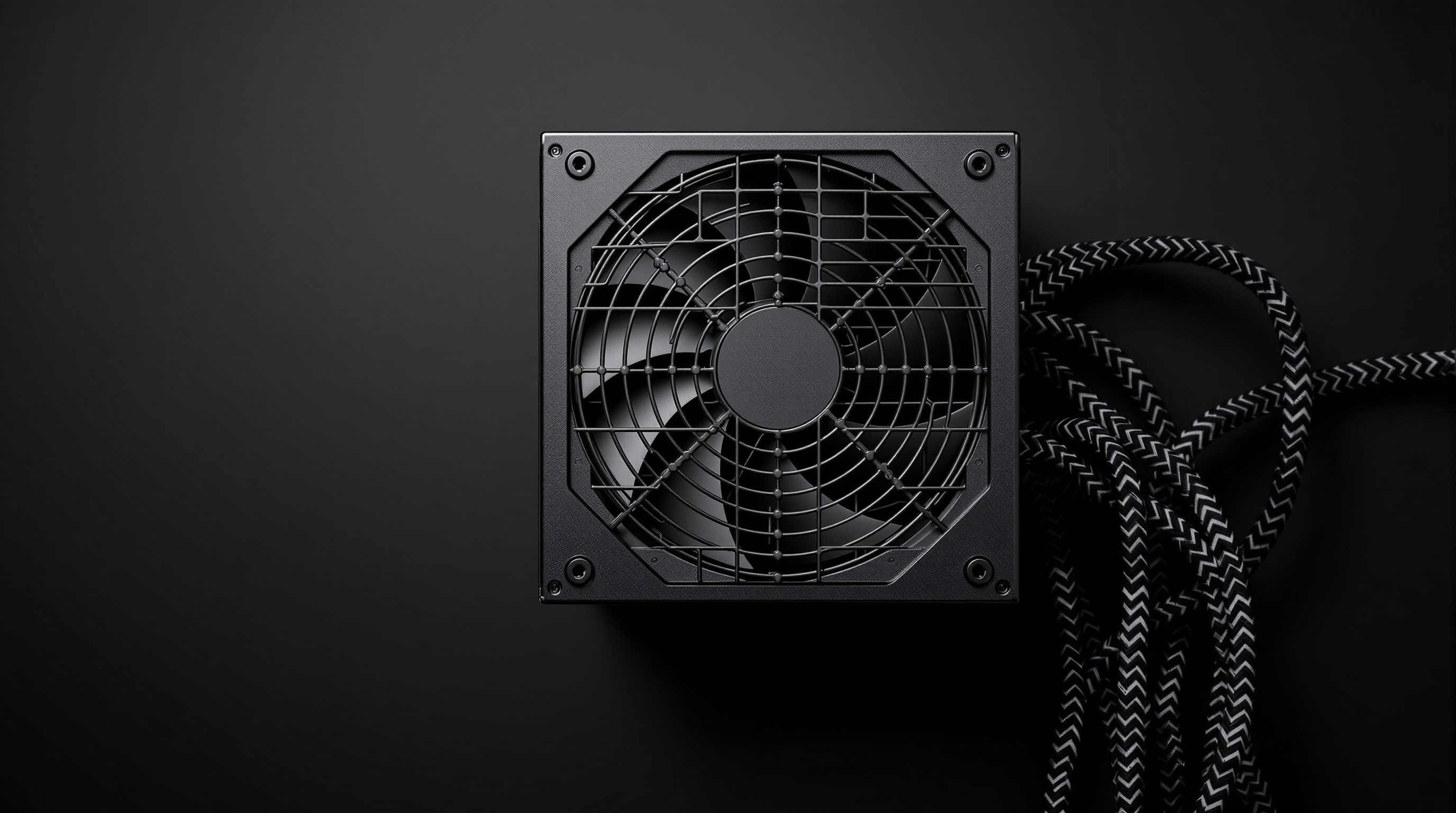
A power supply seems an unlikely noise source, but it contains its own fan and, on a busy system, that fan can become one of the more audible parts of the machine. Choosing a quiet supply comes down to two things: making it run cool enough that its fan rarely spins, and picking a design that keeps the fan off entirely at low load.
Efficiency is the quiet foundation
Every watt a supply wastes becomes heat, and heat is what makes its fan spin. A more efficient supply wastes less, runs cooler, and therefore stays quieter at the same output. Efficiency is graded by the 80 PLUS tiers — from basic through Bronze, Gold, Platinum and Titanium — with higher tiers converting more of the wall power into usable output. For a quiet build, a Gold-rated unit or better is a sensible baseline; the reduced waste heat pays off directly in fan noise.
The ENERGY STAR computer criteria, effective October 27, 2025, put the supply within a whole-computer efficiency specification. They require efficient operation in modes such as Off, Sleep and Idle, efficient power management features and an energy-efficient power supply. The specification covers desktop computers, notebooks, workstations and other computer types, with criteria tailored to each product type. A base energy allowance applies to each type, with additional allowances for features that increase energy demand. Power-management requirements are also part of the specification, so the supply is one element of its wider scope.
Semi-passive (fan-stop) designs
The most useful feature for silence is a semi-passive or “fan-stop” mode. Below a load threshold — often a large fraction of the supply’s rating — the fan simply does not turn, so at idle and light use the supply is completely silent. It only starts cooling once you draw serious power. Because most computers spend most of their time at light load, a semi-passive supply is silent most of the time in practice.
Right-size the wattage
It is tempting to think a bigger supply is always better, but for noise the key is where your typical load falls on the supply’s curve. Supplies are most efficient around the middle of their range, and a semi-passive unit keeps its fan off up to a set fraction of capacity. Size the supply so your everyday load sits comfortably below the fan-start point, with enough headroom for peaks — without buying so much capacity that the unit is loafing inefficiently. Match the supply to the real system, not to the largest number on the box.
Truly fanless power supplies
For the ultimate in silence, fanless supplies dispense with the fan altogether, shedding their heat through a large finned chassis. They make no noise, ever. The trade-offs are a higher price, a ceiling on output, and a need for at least gentle case ventilation so their heat can escape. In a low- to mid-power silent build — especially a home-theatre PC — a fanless supply removes one more moving part from the equation.
Is the supply your noise source?
It is worth confirming the power supply is actually the culprit before replacing it. Its fan tends to be most audible when the system is under sustained heavy load, and its note is usually a steady whir distinct from the deeper woosh of large case fans. A separate, higher-pitched electrical squeal that rises and falls with load — rather than a fan sound — points instead to coil whine, which no fan setting will fix. If the supply only becomes audible during demanding tasks and is silent at idle, a semi-passive model of higher efficiency is the direct remedy; if it hums even at idle, first check that it is not simply coupling vibration into the case through its mounting screws.
Small details that matter
- Quality components reduce the risk of coil whine, a high-pitched electrical noise unrelated to the fan.
- Modular cabling lets you fit only the cables you need, improving case airflow and tidiness.
- Soft mounting at the case still helps — even a quiet PSU fan benefits from not coupling vibration into the chassis. See anti-vibration.
Get the supply right and it disappears from your attention entirely — which, for a component whose job is simply to deliver clean power, is exactly the goal.