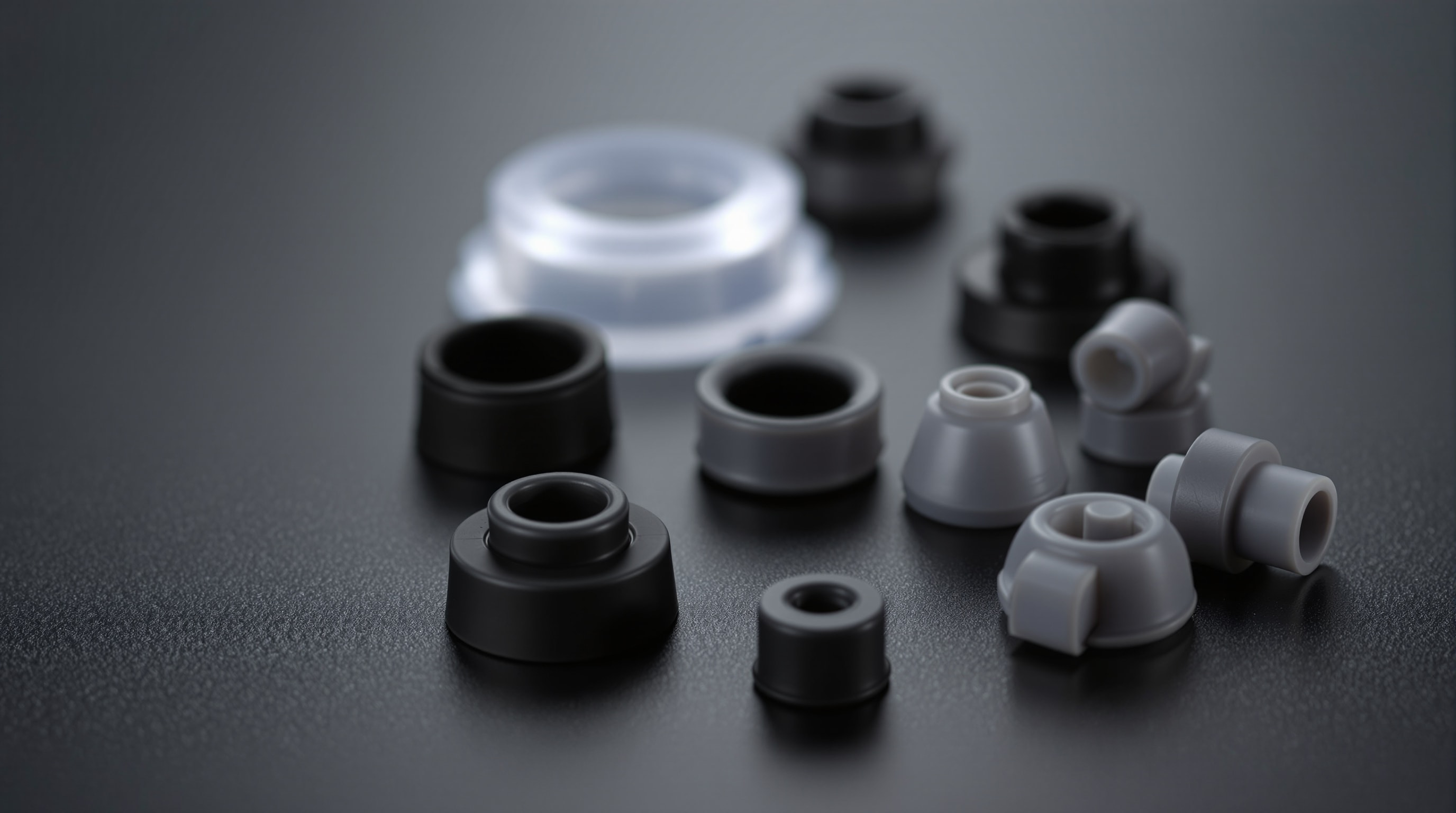
Ask most people what a computer sounds like and they will describe a fan. But a surprising share of the noise you actually hear is not air moving — it is structure-borne sound — the subject of structural acoustics: tiny vibrations from spinning parts, conducted into the metal chassis, which then radiates them like the body of a guitar. Break that path and the machine gets quieter for almost no money.
How vibration becomes noise
Every fan, pump and mechanical drive spins slightly out of perfect balance. Bolt one rigidly to a thin steel panel and that panel is driven into vibration, becoming a loudspeaker far larger than the part itself. Vibration isolation inserts a soft, springy element between the source and the chassis so the vibration is absorbed instead of transmitted. The panel stays still, and the hum, buzz and drone simply vanish.
Soft-mounting fans
Fans are the prime offenders because there are several of them and they run constantly. Replacing the four metal screws with soft silicone mounts — flexible pins that hold the fan while decoupling it from the frame — is one of the highest-value tweaks in quiet computing. It removes the low-frequency hum that metal-mounted fans push into the case, and it costs very little. Rubber anti-vibration gaskets between a fan and a radiator or heatsink do the same job in those positions.
Isolation feet under the case
The whole computer sits on the floor or desk, and whatever it stands on becomes an extension of its sounding board. Soft feet — squishy elastomer or visco-elastic pads — under the case decouple it from the surface, stopping a desk or hollow floor from amplifying residual vibration. On a resonant desk this can be the difference between a faint hum you notice and one you do not.
Taming mechanical drives
If a build still has a spinning hard disk, it deserves special attention: it both hums from rotation and clatters as it seeks. Options, in order of effectiveness:
- Replace it with solid-state storage where you can — no moving parts, no noise at all.
- Soft-mount the drive in its bay with rubber grommets or an elastic suspension so vibration never reaches the cage.
- Use a drive silencer enclosure that damps and isolates the disk if it must stay.
Other quiet-down parts
A few more small components round out the toolkit. A power-supply gasket seals and decouples the PSU where it meets the case. Blanking-plate and slot grommets stop small panels from buzzing. Even a set of anti-vibration washers under a pump or bracket can remove a stubborn tonal hum. None of it is expensive, and together these isolation fixes often deliver more perceived quiet than any amount of panel damping — because they stop the noise before it ever reaches a surface that can broadcast it.
A quick vibration audit
You can locate most structure-borne noise in a couple of minutes. With the machine running, gently rest a fingertip on each large panel in turn: a panel that buzzes under light touch is radiating vibration and is a candidate for damping or a firmer fixing. Lightly pressing on a fan frame or the top of the power supply and hearing the note change points to a part that wants soft-mounting. And carefully slowing or briefly stopping a suspect fan, where it is safe to do so, isolates which one is humming. A few minutes of this tells you exactly where a handful of rubber mounts and pads will do the most good — usually far more cheaply, and more effectively, than any other single fix.
Where isolation fits in the plan
Decoupling belongs early. Once you have chosen large slow fans and an over-sized cooler, soft-mount everything that spins before you reach for foam. It is the cheapest step, it is reversible, and it addresses a category of noise — the buzz and hum of a resonating chassis — that no fan choice alone can fix.