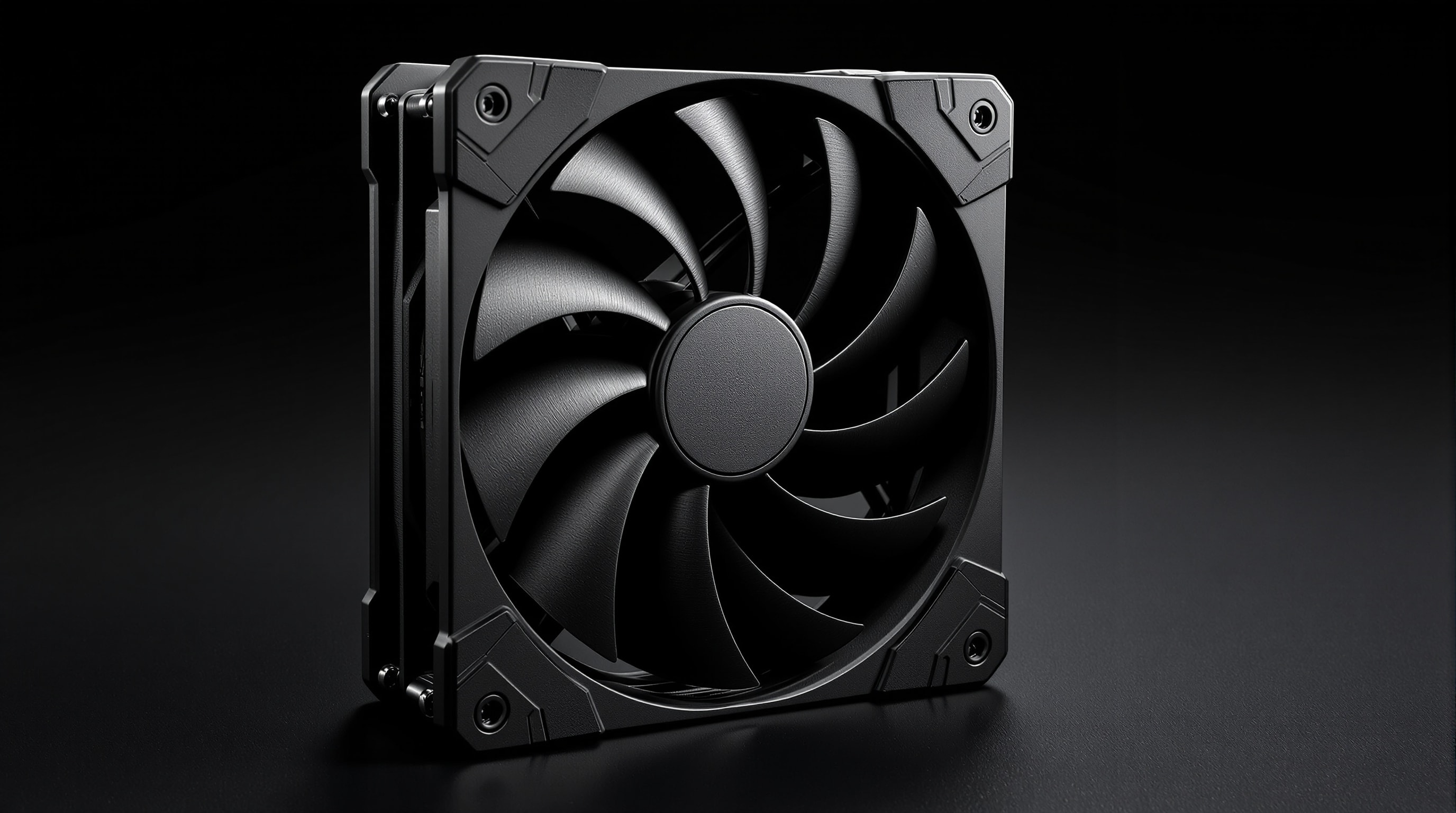
If you improve only one thing about a noisy computer, make it the fans. They are the largest, most numerous moving parts in a typical build, and unlike most components their noise is almost entirely in your control. The goal is simple to state: move enough air to keep temperatures safe, using as little fan speed as possible.
Why bigger fans are quieter
Airflow is a product of fan area and rotation speed. A larger fan sweeps more air per turn, so it can deliver the same airflow as a small fan while spinning far more slowly. Because noise rises steeply with rotation speed — and because slower blades produce lower-frequency, less irritating sound — the larger, slower fan is dramatically quieter for the same cooling. This is the single most important idea in quiet cooling.
It is why silent builds favour 120mm and 140mm fans over 80mm or 92mm wherever they physically fit, and why a case that accepts big fans has a head start on one that only takes small ones.
Fan sizes at a glance
| Size | Typical use | Noise character |
|---|---|---|
| 140mm | Case intake/exhaust, large air coolers, radiators | Quietest for a given airflow; low, soft tone |
| 120mm | The all-round standard: cases, coolers, radiators | Excellent balance; the default quiet choice |
| 92mm | Compact coolers, smaller cases | Needs higher speed for the same air; more tonal |
| 80mm & below | Small-form-factor, older cases, chipset fans | Loudest per unit of airflow; whines when pushed |
Bearings: what keeps a fan quiet over time
A fan is only as quiet as the bearing its blades spin on, and the bearing also decides how the fan ages. The main types you will meet are:
- Sleeve bearings — inexpensive and quiet when new, but they can develop a tonal hum as the lubricant wears, especially if mounted horizontally.
- Ball bearings — long-lived and tolerant of heat and orientation, but often noisier, with a characteristic ticking or rushing sound.
- Fluid-dynamic bearings (FDB) — a refined sleeve design running on a film of oil. These are the quiet-computing favourite: very low noise, long life, and no tonal wear if well made.
- Magnetic-levitation and rifle bearings — variations that reduce contact and, in the best designs, keep a fan quiet for many years.
For a quiet build, prefer fluid-dynamic bearings or a reputable magnetic design. A sealed, dust-resistant motor is a bonus: dust ingress unbalances a fan and is a common reason an old fan starts to rattle.
Reading the specs: dB(A), CFM and static pressure
Three numbers describe a fan. Noise is given in dB(A); lower is quieter, but always compare figures measured at the same distance and speed. Airflow is given in CFM (cubic feet per minute) or m³/h — how much air the fan moves in free space. Static pressure (in mm H&sub2;O) matters when air has to be forced through resistance, such as a dense heatsink or a radiator; a high-airflow, low-pressure fan can stall against a thick radiator. As a rule, choose airflow-optimised fans for open case positions and pressure-optimised fans for coolers and radiators.
The December 2025, 22nd edition of ECMA-74 uses A-weighted sound power for equipment comparisons, supplemented by emission sound pressure at operator or bystander positions. ECMA-109, in its June 2025, 11th edition, covers publication of acoustical and product information and verification of declared noise values. ECMA-418 Part 2, fourth edition, June 2025, describes hearing-model metrics for tonality, roughness and fluctuation strength in equipment sound. These standards concern information technology and telecommunications equipment. Our guide to measuring PC noise explains the quantities behind a noise specification.
Speed control is half the battle
A quiet fan that always runs at full speed is not quiet. Modern 4-pin fans use pulse-width modulation so the motherboard can vary their speed smoothly with temperature, letting them idle slowly and near-silently and only ramp up when there is real heat to move. Set a gentle fan curve in your firmware or software: low and flat at everyday temperatures, rising only under sustained load. Three-pin fans can be slowed with voltage control instead. Either way, the quietest system is one whose fans are usually barely turning.
Choosing quiet fans: a short checklist
- Fit the largest fans your case and coolers allow — 140mm or 120mm first.
- Prefer fluid-dynamic or quality magnetic bearings and a sealed motor.
- Match the fan type to the job: airflow for cases, static pressure for radiators and dense heatsinks.
- Use PWM control and a gentle curve so fans stay slow most of the time.
- Decouple every fan from the chassis with soft mounts — see anti-vibration.