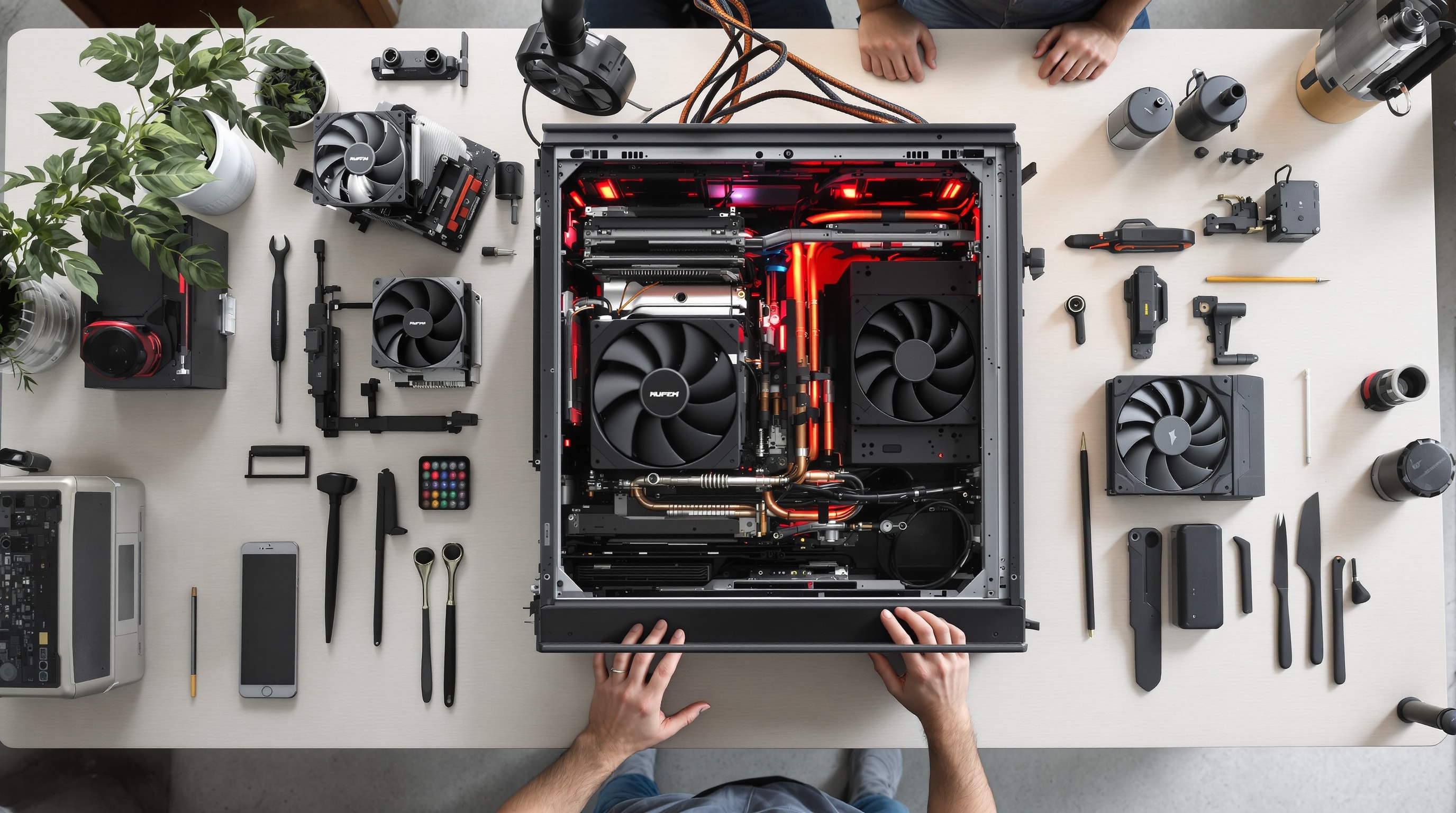
If you work in a music studio you already know you need a quiet PC. What is less obvious is that noise is a problem in almost any room. Research at Cornell University has found that even mild, steady noise in a workspace raises stress, which carries health costs and can dull motivation and decision-making. A quiet computer is not a luxury — it is a more comfortable, more productive one. This guide walks through building one, part by part.
The order below is deliberate: the earlier decisions shape everything after them. Skim the whole thing first, then dive into any linked section for the detail.
1. Start with the case
Like a well-built house, a quiet PC needs a solid foundation. Begin with a sturdy enclosure of steel or thick aluminium. Aluminium dissipates heat more readily; steel is heavier and better at muffling noise and resisting vibration. The case should be roomy enough for your components and future additions, allow a clear front-to-back air path, and include channels for routing cables out of the airflow. A well-made case will not whistle air through seams or drum when the fans spin. This choice sets the noise floor for the whole build — see the quiet-case guide.
2. Cool it quietly
Fans are the primary source of computer noise, so this is where the biggest gains live. Favour larger fans turning slowly over small fans spun fast: a 120mm or 140mm fan moves plenty of air at a low, soft speed. For the processor, fit an over-sized cooler — a big fin stack with a slow fan, or a fanless heatsink — so it never has to work hard. Set a gentle fan curve so everything idles quietly and ramps only under real load.
3. Choose a quiet power supply
Pick an efficient supply that runs cool, ideally one with a semi-passive mode so its fan stays off at light load. Size it so your everyday power draw sits below the fan-start point, and consider a fully fanless supply for a low- or mid-power system. An efficient supply wastes less energy as heat, which means less cooling and less noise everywhere.
4. Suggested components
Some choices quiet a build before you add a single fan. Use solid-state storage instead of mechanical drives to remove spin and seek noise entirely. Prefer efficient processors and graphics — including fanless or zero-RPM graphics cards — because the less heat a part makes, the less has to be moved away. Every watt you avoid generating is a watt of cooling noise you never have to create.
5. Soundproof what remains
With the parts already quiet, add acoustic damping to the large flat panels to contain the low, broadband noise that is left. Keep the material clear of vents so you do not trade cooling for a marginal drop in noise. Damping is the finishing touch, not the foundation.
6. Extra precautions
Finally, stop vibration from becoming sound. Soft-mount every fan, decouple the power supply and any pump, suspend or replace mechanical drives, and stand the whole case on soft isolation feet. These small, cheap steps break the path that turns the chassis into a soundboard, and they often deliver the last, most satisfying reduction in noise.
Equipment-noise standards cover measurement, reporting, publication of declared values and background correction. ECMA-74 (22nd edition, December 2025) specifies A-weighted sound power for equipment comparisons, supplemented by emission sound pressure at operator or bystander positions. ECMA-109 (11th edition, June 2025) covers publishing acoustical and product information and verifying declared noise values. ECMA-425 (December 2025) describes background correction to estimate the level radiated by the device under test. The PC noise measurement guide explains these quantities, declarations and background contributions in more detail.
The short version
Solid case → large slow fans and an over-sized cooler → efficient, cool-running parts → a quiet supply → damping on the panels → soft-mount everything that spins. Follow that order and you end up with a machine that is powerful when you need it and silent the rest of the time. If you want the reasons behind it all, read why quiet computing matters.