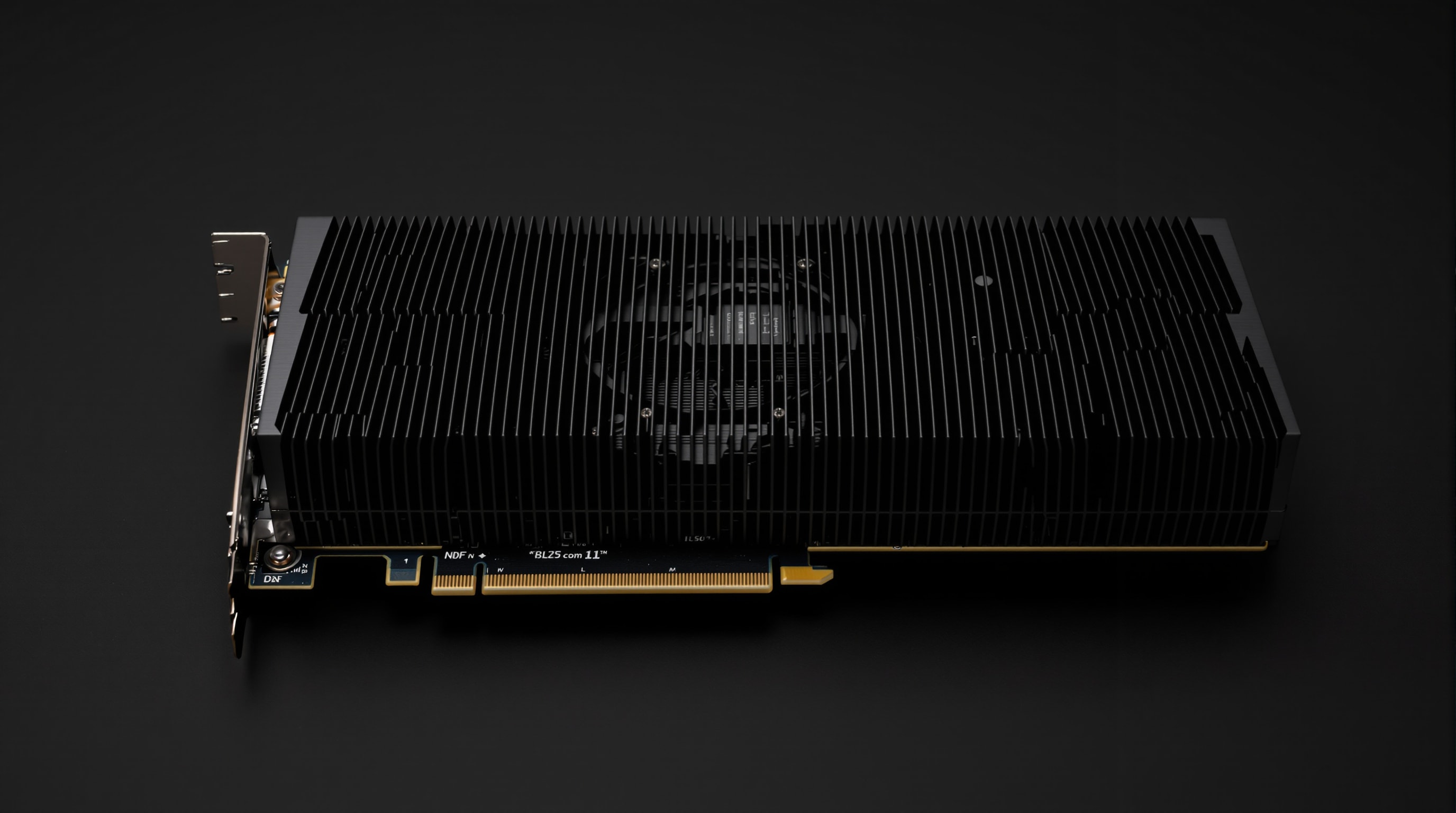
In a system built for silence, the graphics card is often the last hurdle. Its cooler carries some of the highest heat in the machine, and a stock card answers that with fans that can spin up loudly under load. Two approaches make graphics quiet: choose a card that needs no fan, or choose one whose fans stop when they are not needed.
Fanless (passive) cards
A truly fanless card cools its processor entirely through a large passive heatsink — a dense block of finned metal, often spanning the whole card, that sheds heat into the surrounding air with no moving parts. Because there is no fan, there is no noise, ever. The trade-off is thermal headroom: passive designs are practical for low- and mid-power graphics processors, and they lean on the case to supply gentle airflow across those fins. For everyday computing, home-theatre systems and lighter gaming, a passive card is the definition of silent.
Semi-fanless (zero-RPM) cards
Most modern mid-range and higher cards use a semi-fanless or “zero-RPM” mode: the fans stay completely still below a temperature threshold and only start when the card is genuinely working. At the desktop, browsing or watching video, such a card is silent; it makes noise only when you load it. Paired with a good case, a card with a large, well-designed cooler and a zero-RPM mode is quiet the vast majority of the time.
Low-profile and small-form-factor options
Compact and home-theatre builds often need a low-profile card. Many are available fanless or with a single slow fan, and their modest power draw makes them easy to cool silently. As always, lower power is your friend: an efficient card produces less heat, and less heat is less to remove — quietly or otherwise.
The case does half the work
A fanless card is only as good as the air moving past it. With no fan of its own, it relies on the chassis to carry warm air away from those fins, so a passive card belongs in a case with a clear front-to-back path and at least one large, slow case fan to keep gentle airflow over the heatsink. Give a passive card stagnant air and it will overheat; give it a light, steady breeze and it stays cool in perfect silence. The quiet-case principles apply directly.
How much graphics power can go fanless?
There is a practical ceiling to passive cooling. A fanless heatsink can only shed so much heat into still air, so fully passive cards are limited to lighter and mid-range graphics processors — ample for desktop work, media playback and older or less demanding games, but not for the most power-hungry cards. As graphics power climbs, the sensible quiet option shifts from fully passive to a large cooler with a zero-RPM mode, silent at idle and merely quiet under load. Match the ambition to the physics: the lower a card’s power draw, the easier it is to silence, so choosing an efficient card is itself a noise-reduction decision, not just an energy one. When in doubt, favour the card that runs cooler for the performance you actually need.
Choosing a quiet graphics solution
- For light workloads and HTPCs: a fully passive card in a ventilated case — silent by design.
- For mainstream use and gaming: a card with a large cooler and zero-RPM mode, silent at idle and quiet under load.
- Everywhere: prefer efficient parts so there is simply less heat to move.
Handled this way, the component that most often wrecks a quiet build becomes just another silent part of it.