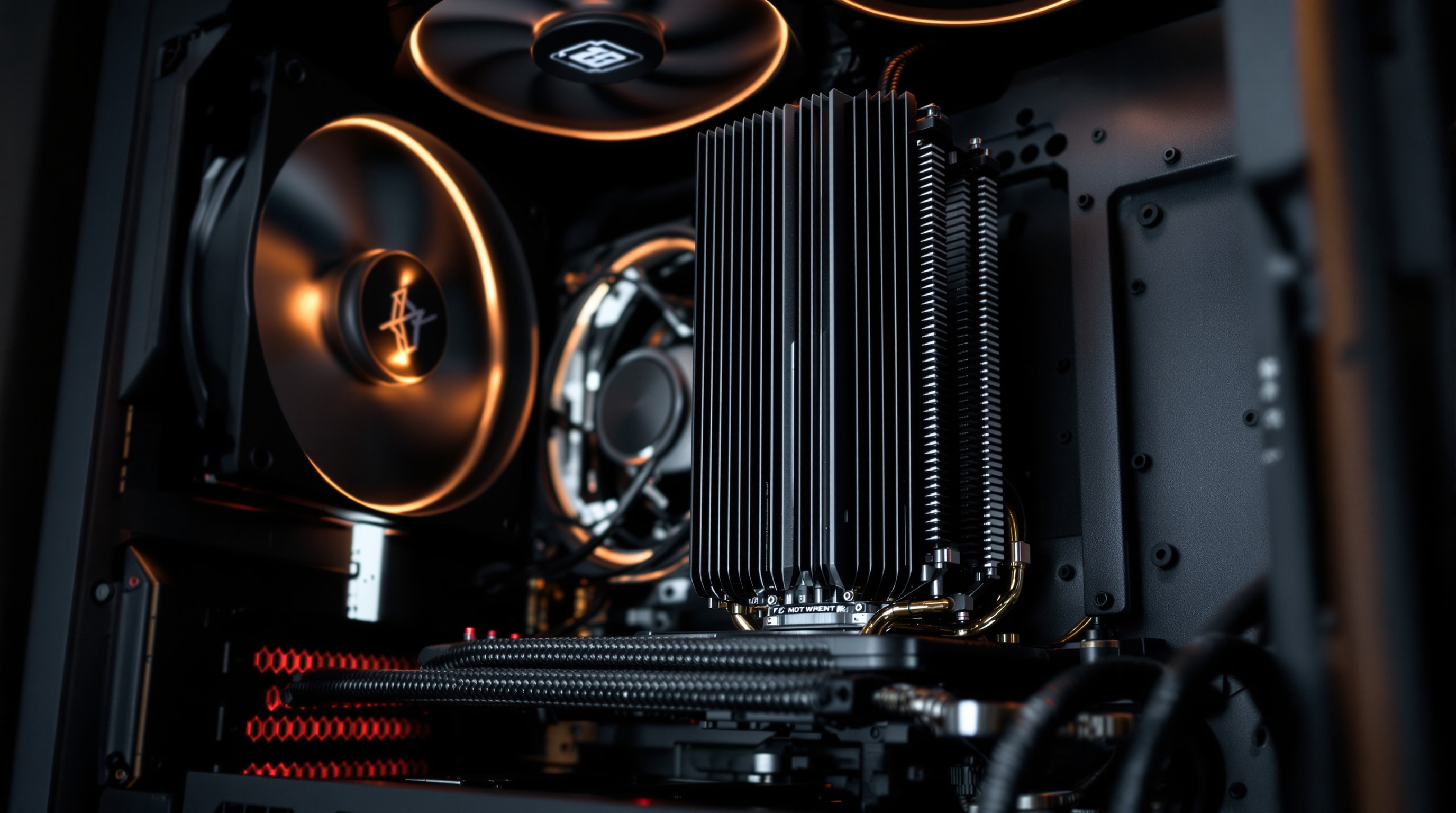
A well-planned computer can be genuinely powerful and almost inaudible at the same time. The difference between a machine that roars under load and one you forget is switched on rarely comes down to a single magic part — it comes from a series of small, deliberate choices about airflow, cooling, and how sound and vibration travel through the chassis.
AcousticPC is an independent, vendor-neutral guide to those choices. There is nothing to buy here and no brand to sell you. Instead, each section explains a category of quiet-computing hardware in plain terms — what it does, why it is quiet or loud, and what to look for — so you can shop confidently wherever you like.
What “quiet computing” really means
Noise is measured in decibels, and for computers the useful figure is the A-weighted decibel, or dB(A), which approximates how the human ear responds to sound. A change of about 10 dB(A) is perceived as roughly twice (or half) as loud, so shaving even a few decibels off the loudest component is very noticeable in a quiet room. Persistent low-level noise is worth taking seriously, too: occupational-health bodies such as NIOSH link steady ambient noise to raised stress and reduced focus. Just as important is the character of the sound: a smooth, low-frequency woosh of air is far less fatiguing than a high-pitched whine, a tonal hum, or an intermittent rattle, even at the same measured level.
A “quiet” PC aims for a low, broadband noise floor with no sharp tones. A “silent” PC pushes further — often using passive cooling and semi-passive fans that stop entirely at idle — so that in normal use it produces no sound you can pick out over an ordinary room.
The reason for pursuing that lower noise floor is not confined to measurement. The room and its purpose matter. A computer shares the room with its user, so a sound that seems modest during a short test can become conspicuous through a working day, a recording session or an evening beside the machine. Tonal changes are especially good at drawing attention because they refuse to settle into the background. The fuller case for quiet computing considers focus, stress, rest and shared spaces; those human factors are a useful guide when deciding which noise source to tackle first.
Where PC noise actually comes from
Before you can quiet a machine, it helps to know what is making the sound. In most builds the culprits are a short list:
- Fans — case, CPU and graphics-card fans are the biggest and most controllable source. Small fans spun fast are the classic mistake.
- Pumps — in liquid-cooled systems the pump adds a constant low hum.
- Vibration — spinning parts transmit buzz into the chassis, which acts like a soundboard.
- Coil whine — a high-pitched electrical noise from power components under certain loads.
- Mechanical drives — older hard disks seek and spin audibly; solid-state storage removes this entirely.
The quiet-build guide, section by section
Work through the areas below in roughly the order they matter. The single biggest wins usually come from the case, the CPU cooler, and choosing larger fans that can run slowly.
Quiet Computer Fans
Sizes, bearings, dB(A) and airflow — how to pick fans that move air without the whine.
Read the guide →Quiet CPU Coolers
Large tower heatsinks, low-speed fans and fanless options that tame the loudest part of a build.
Read the guide →Quiet & Fanless Power
Efficiency, semi-passive fan curves and truly fanless supplies for near-silent systems.
Read the guide →Quiet PC Cases
Steel vs aluminium, airflow vs damping, and how a good enclosure sets the noise floor.
Read the guide →Soundproofing
Acoustic foam, mass-loaded matting and where damping actually helps (and where it doesn't).
Read the guide →Anti-Vibration
Soft mounts, isolation feet and gaskets that stop structural buzz and drive rattle.
Read the guide →Fanless Graphics
Passively cooled and semi-fanless GPUs, and how to keep them cool in a quiet case.
Read the guide →Quiet Liquid Cooling
Pump noise, radiator sizing and fan curves for a genuinely quiet water-cooled build.
Read the guide →Two ways to make a PC quieter
Every technique on this site is really one of two strategies. The first is to reduce noise at the source: fewer, larger, slower-spinning fans; efficient parts that generate less heat and therefore need less cooling; and passive components that make no sound at all. The second is to contain and damp what remains: a solid case, acoustic matting, and soft mounts that stop vibration from turning the whole chassis into a speaker.
The one principle to remember
A large fan turning slowly moves the same air as a small fan turning fast — but far more quietly. Almost everything in quiet computing follows from that idea: give heat somewhere big and slow to escape, and stop what noise is left from spreading. Start with the build walkthrough if you want the whole picture first.